
Recognize supported corners
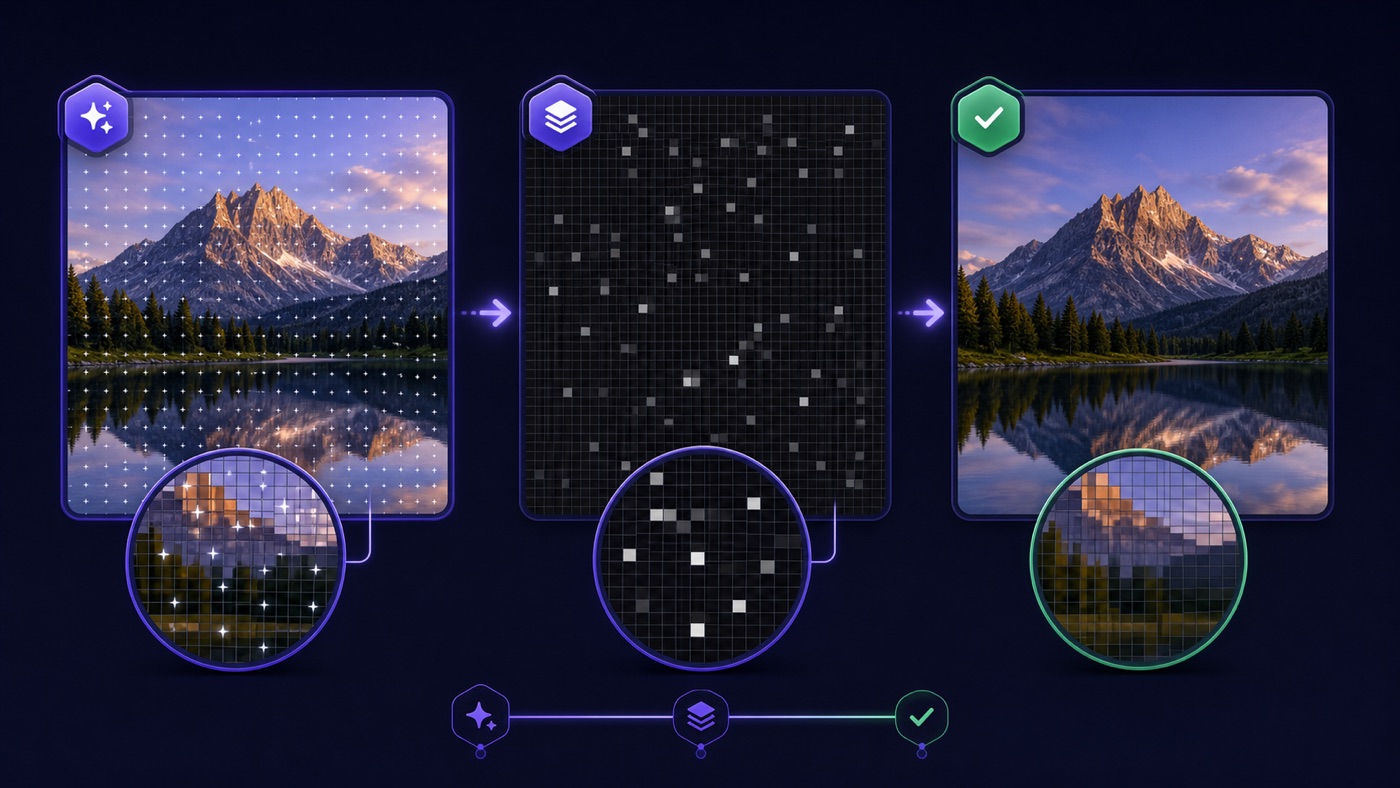
Gemini Logo Remover compares expected corner geometry with calibrated visible profiles, helping it identify a supported mark before modifying pixels.
Free Gemini Logo Remover for your next edit
Prepare a supported video or image for editing with Gemini Watermark Remover. Remove Gemini watermark locally and keep the source dimensions.
A client draft should be easy to inspect before you share it. Gemini Watermark Remover opens, checks, and restores supported media within this browser tab. Compare the result here, then save a separate copy when you are satisfied with the visible corner.
Remove Gemini Watermark
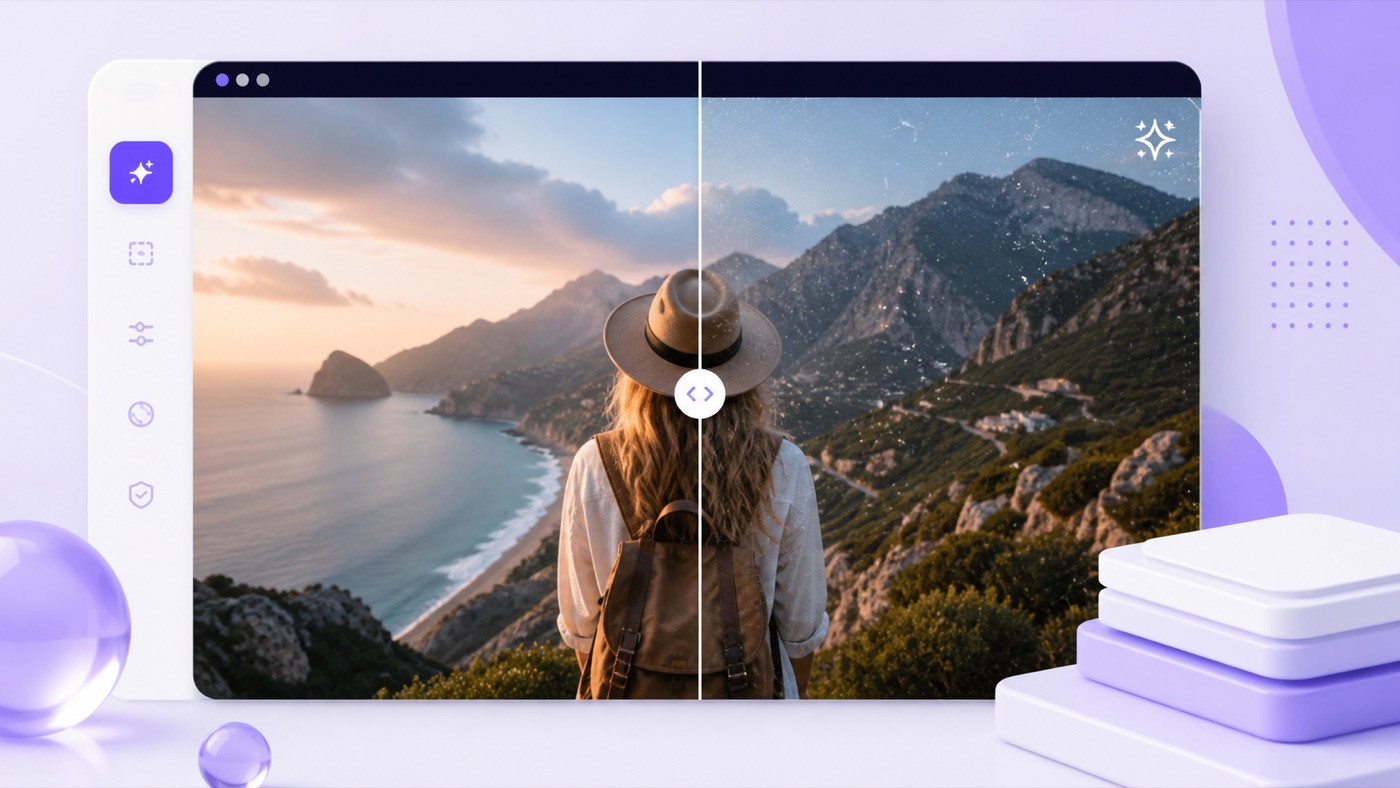 CleanedOriginal
Use the Gemini Watermark Remover video workflow to inspect a sample frame and identify a supported overlay. Gemini Video Watermark Remover applies the selected profile as frames play, recording the restored canvas into a new local file.
Keep the running timeProcessing follows the original playback clock.
Carry available audioThe browser routes an exposed source track into the output.
Check the final playbackWatch the source and result before adding either to your edit.
Gemini Watermark Remover brings selection, progress, comparison, and download into one workspace. Pick a file to reveal the controls appropriate to that media type.
Gemini Logo Remover compares expected corner geometry with calibrated visible profiles, helping it identify a supported mark before modifying pixels.
Gemini Watermark Remover accepts up to ten PNG, JPEG, or WebP images. Each receives a status message, its own comparison slider, and a download control.
Gemini Video Watermark Remover restores supported frames and records available source audio through browser media APIs.
Move the slider in Gemini Watermark Remover to examine a still, or play both versions of a clip to check the result.
Gemini Logo Remover processes files on your device. There is no uploaded draft waiting on a server or emailed result link to retrieve.
Gemini Watermark Remover leaves uncertain detections unchanged. Use a known-position retry to remove Gemini watermark only when the visible mark matches a supported profile.
Begin with an original export you are authorized to change. Gemini Watermark Remover starts without account setup, keeping the media workflow in your current tab.
Choose a supported image batch or one video for Gemini Logo Remover to read locally.
Gemini Watermark Remover tests the expected corner and reports how confidently it recognizes a calibrated visible profile.
To remove Gemini watermark, the processor reverses the supported overlay blend within the detected region.
Review the still or Gemini Watermark Remover video output, then download individual results or an image ZIP.
Gemini Logo Remover uses known mask shapes and opacity values to estimate the pixels beneath a supported corner mark. Gemini Watermark Remover evaluates the match first; it does not generate new scenery to cover the area.
Remove Gemini watermark before cropping, resizing, or recompressing your export. Those changes can alter the corner geometry the detector expects to find.
Gemini Watermark Remover gives you a focused place to remove Gemini watermark, inspect the change, and decide whether a file is ready for your edit.
Gemini Logo Remover handles the file on your device, from decoding to download. Private previews do not require sending the media to another processing service.
Images begin processing on selection. Gemini Video Watermark Remover displays the current stage and processed frames so you can follow a longer clip. Keep Gemini Video Watermark Remover open while the recording runs.
Gemini Watermark Remover reports supported matches and keeps a conservative fallback. A result is available for your review; detection does not promise that every watermark design can be restored.
Choose Gemini Logo Remover for a permitted edit when a supported corner overlay distracts from the visual you need to evaluate.

The Gemini Watermark Remover video workflow can prepare an owned clip for a timeline, client preview, or approved social edit.

Use Gemini Logo Remover on an exported image before placing it beside your shot list or presentation notes.

Remove Gemini watermark from an authorized visual so reviewers can concentrate on framing, spacing, and the proposed motion.

Process a batch with Gemini Watermark Remover and compare candidates individually before downloading the copies you want to keep.
Source quality affects detection. Gemini Watermark Remover works from calibrated positions and shapes, so a few preparation checks can save an unsuccessful processing attempt.
Choose the original Gemini or Veo file for Gemini Logo Remover. Remove Gemini watermark before applying a crop, filter, or another compression pass that changes its expected appearance.
Only remove Gemini watermark from media you own or have permission to edit. Keep the original export and any disclosures required for its intended use alongside the new copy.
Gemini Watermark Remover accepts supported still images and browser-decodable video files. For video, use current desktop Chrome or Edge; available codecs and recording formats depend on your browser and device. Test a short Gemini Watermark Remover video before starting a longer job.
Gemini Video Watermark Remover targets calibrated visible overlays. It does not remove SynthID or guarantee support for every Gemini, Imagen, or Veo release.
Check the processing FAQLearn when you can remove Gemini watermark, how local recording works, and what to check before you use the downloaded result.
Gemini Watermark Remover supports calibrated visible Gemini sparkle and legacy Veo corner profiles. Gemini Logo Remover does not target invisible provenance systems such as SynthID. When the detector cannot recognize a supported region confidently, the default image result remains unchanged.
The selected file stays in your browser for decoding, detection, restoration, and export. Gemini Watermark Remover does not upload it to a cleanup server. You can remove Gemini watermark from a supported clip locally, but the tab must remain open during playback and recording.
Gemini Watermark Remover accepts up to ten PNG, JPEG, or WebP images, with a 20 MB limit for each file. Gemini Logo Remover gives each image a separate result. PNG is the default download format, avoiding another lossy compression pass while you review the restored corner.
Use a browser-decodable MP4, MOV, or WebM file no larger than 50 MB. The Gemini Watermark Remover video output depends on the recording codecs available locally. Desktop Chrome or Edge is the preferred environment for the required video and audio APIs.
Frames are processed against the playback clock, so a minute of footage can require roughly a minute to record. Keep the Gemini Watermark Remover video tab visible. Gemini Video Watermark Remover needs the browser to present frames while it creates the cleaned output.
Gemini Logo Remover modifies the calibrated mask pixels inside a detected region. With Gemini Watermark Remover PNG output, pixels outside that region remain intact in the working buffer. JPEG or WebP re-encoding can introduce compression differences elsewhere, so compare the finished file before using it.
Screenshots, moved overlays, resized exports, and repeated compression can prevent a reliable match. Try to remove Gemini watermark from the original file first. Use the known-position option only after recognizing the supported corner mark yourself; it is not a general-purpose erase brush. Gemini Watermark Remover needs recognizable source geometry.
Gemini Video Watermark Remover includes source audio when the browser makes that track available for local recording. The Gemini Watermark Remover video file is re-encoded, with audio re-encoding possible too. Listen to the downloaded result before replacing a working copy in your edit.
There is no account or payment step in this browser tool. Gemini Watermark Remover uses your device for processing. File-size and batch limits keep the local workload bounded; you can remove Gemini watermark from supported media without a server credit balance.
Use the tool on media you own or are permitted to edit, and retain the disclosures required for your project. Gemini Watermark Remover does not grant usage rights or change platform obligations. Video Transcribe is independent of Google, Gemini, and Veo.
Use the Gemini Watermark Remover video and image workspace to check a supported source, inspect the restoration, and save a copy for your next edit.
Open Gemini Logo Remover